It was cool to see this feature rolled out! Kudos to our teammates who worked hard on this. It was a fun thing to hack on in Munich.
Categories
Keychron Q6
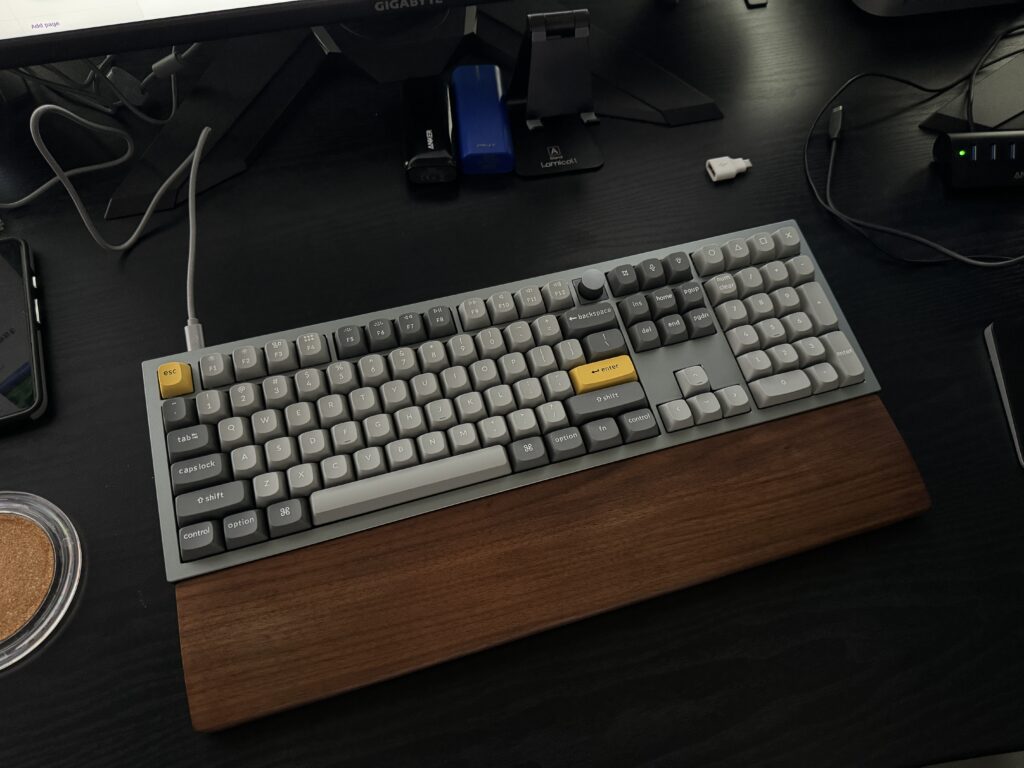
I’ve been eyeing the Keychron Q6 since the middle of 2023 and finally have one in my possession. Here’s why it’s a winner in my book:
- Full size – you can’t beat the speed of a numpad!
- Wired – one more unnecessary battery avoided.
- QMK firmware – highly flexible and open source.
- Hot swappable switches – in case I get bored with Gateron Browns.
- Made out of aluminum – a sturdy 5 lbs!
- Knobs are cool.
- South-facing RGB LEDs.
- Has a handy switch to toggle between Mac and PC modes.
After an hour or so of using it, so far so good! It’s exactly what I hoped it’d be, and a leap in modernization and build quality from the New Model M that I’ve been running. I’ll still use Buckling Springs on my retro machines, of course, but it’s so nice to have LEDs, a knob for volume, dedicated function keys for brightness and Spaces, and the flexibility to do whatever I want with custom firmware. 😎
Categories
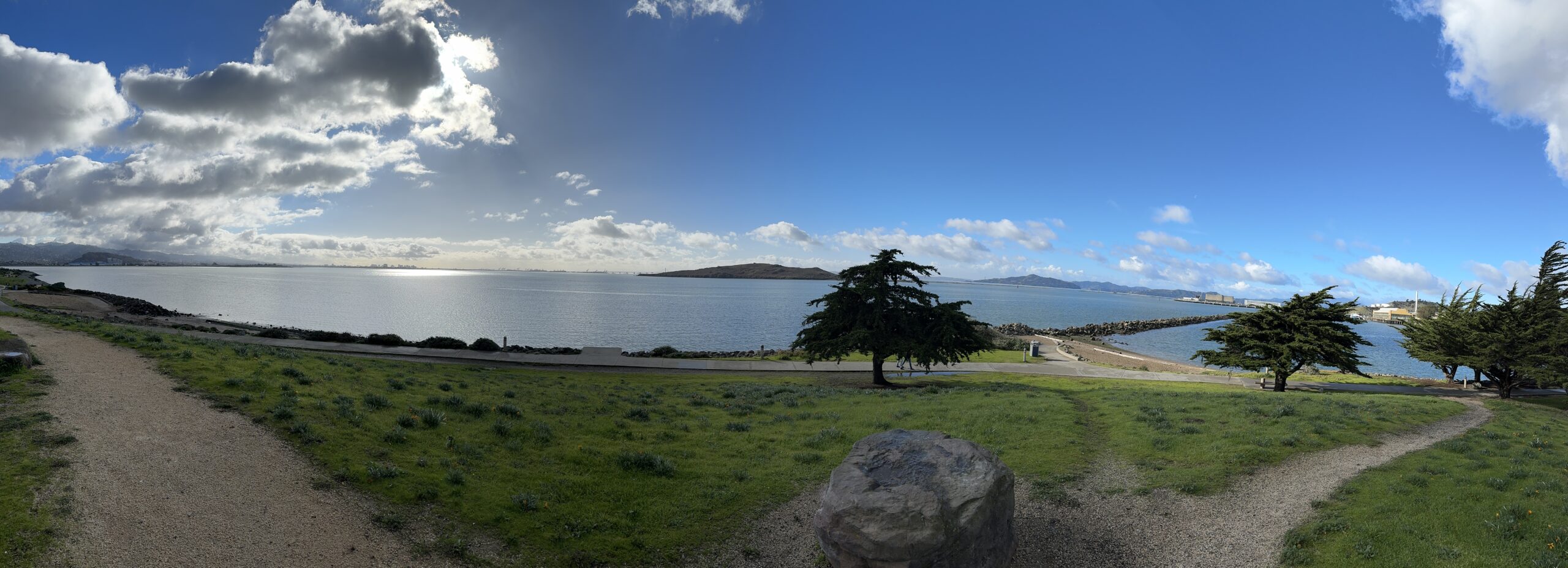
San Francisco 2024
We had a great time ringing in 2024 with friends in San Francisco!
Some highlights:
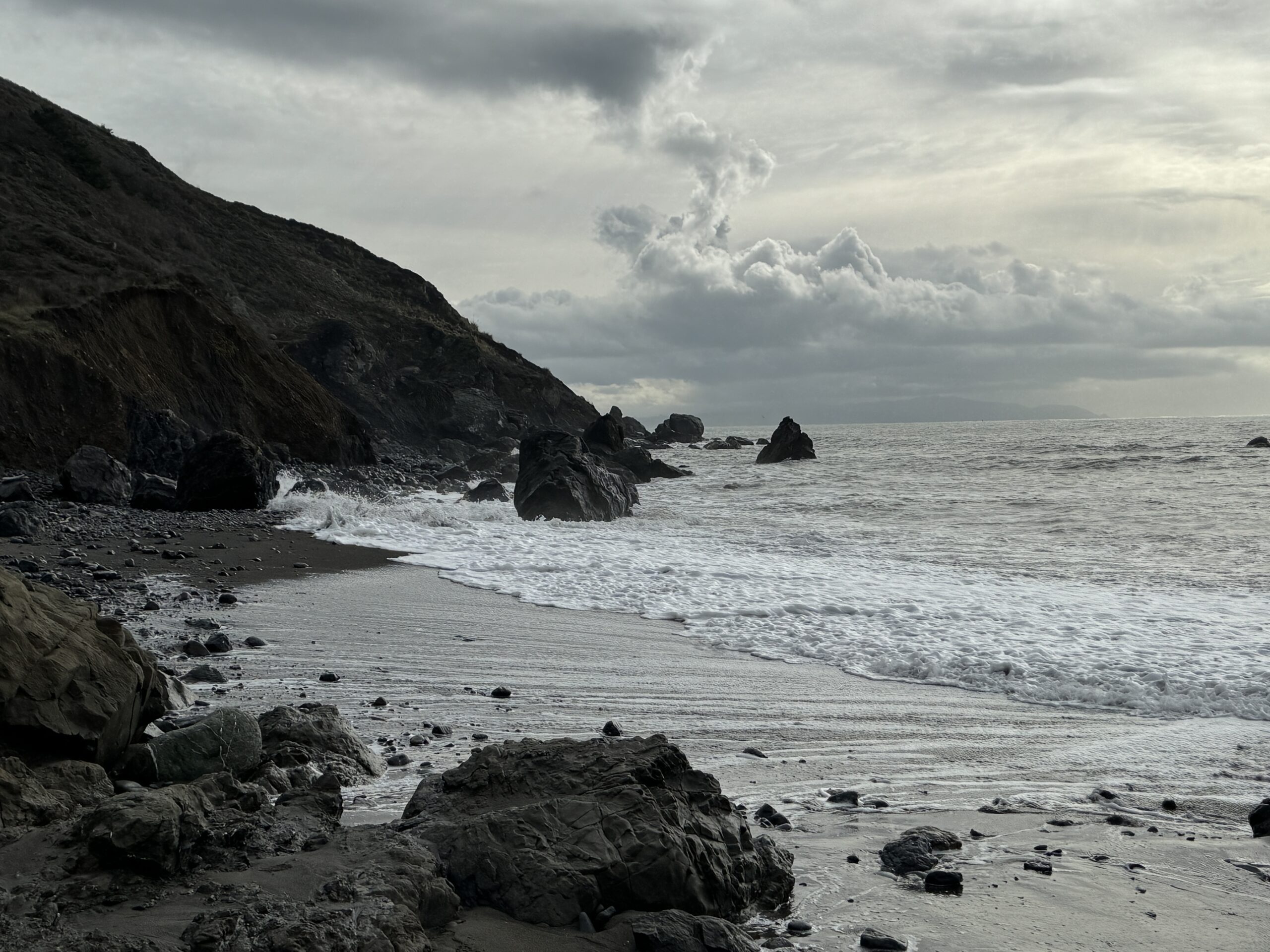
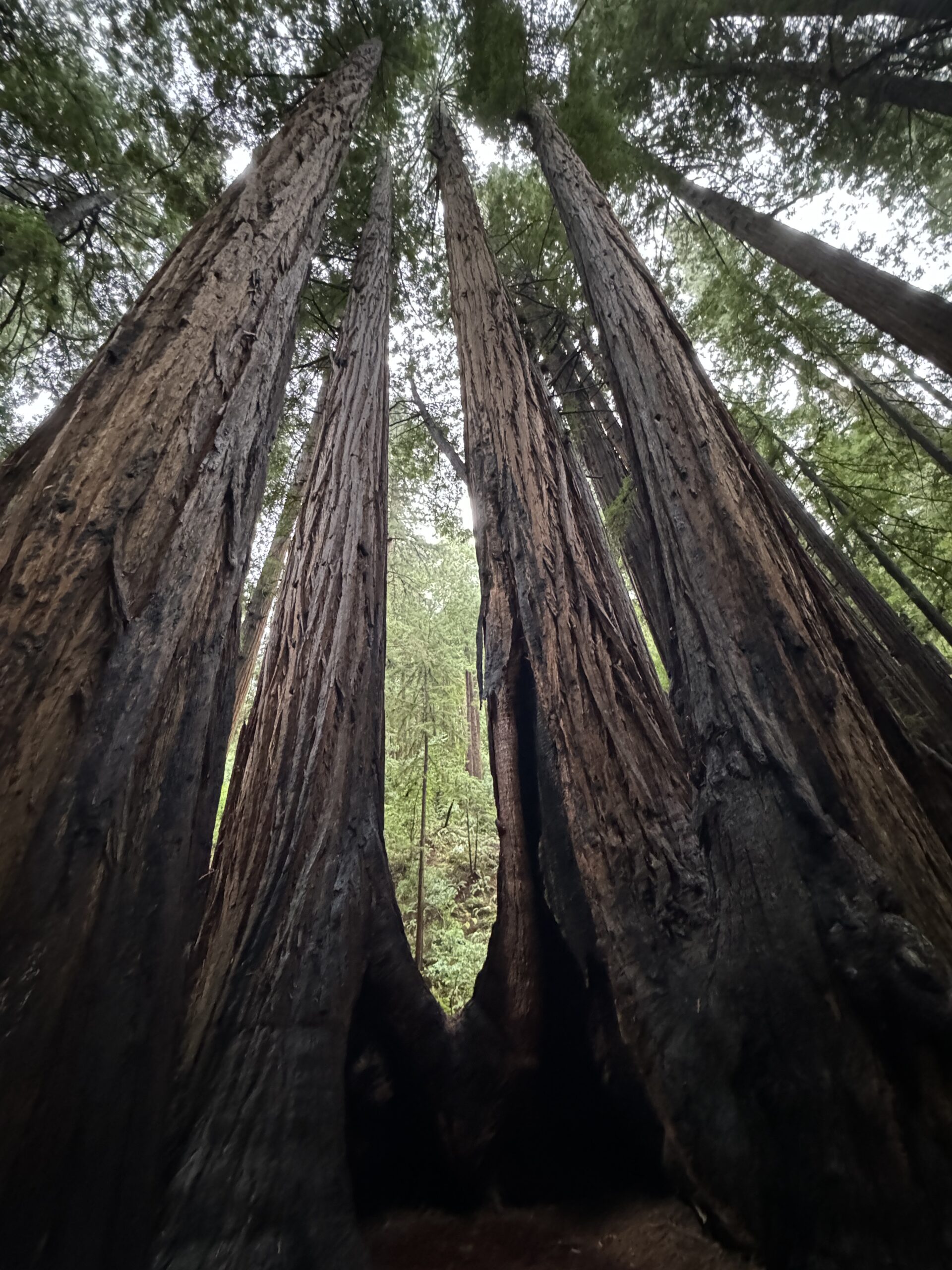
- Muir Woods
- Muir Beach
- Rosie the Riveter WWII Home Front
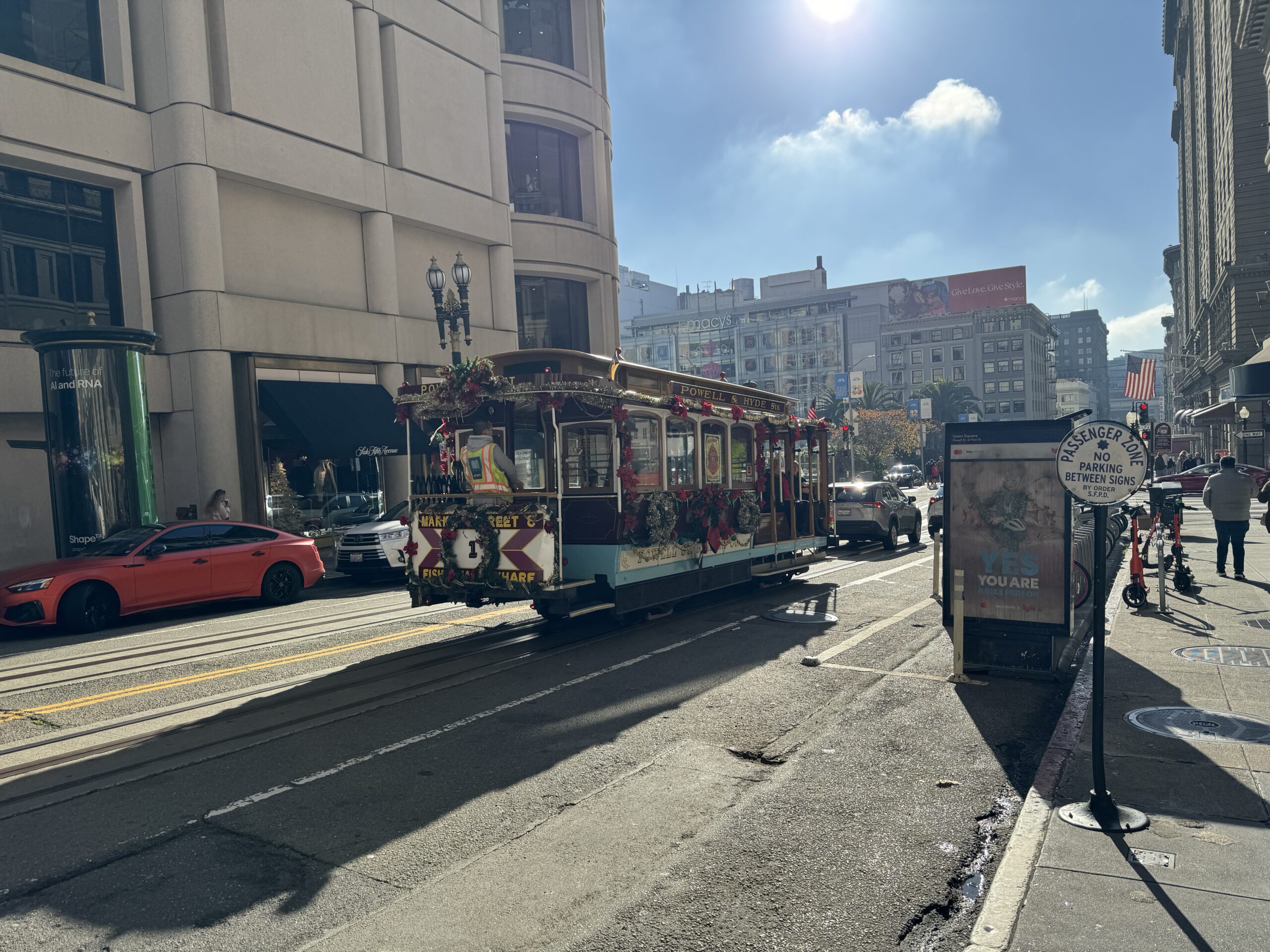
- Rode on a cable car
- Ate at Tony’s Pizza Napoletana and went to Ghirardelli Square for dessert
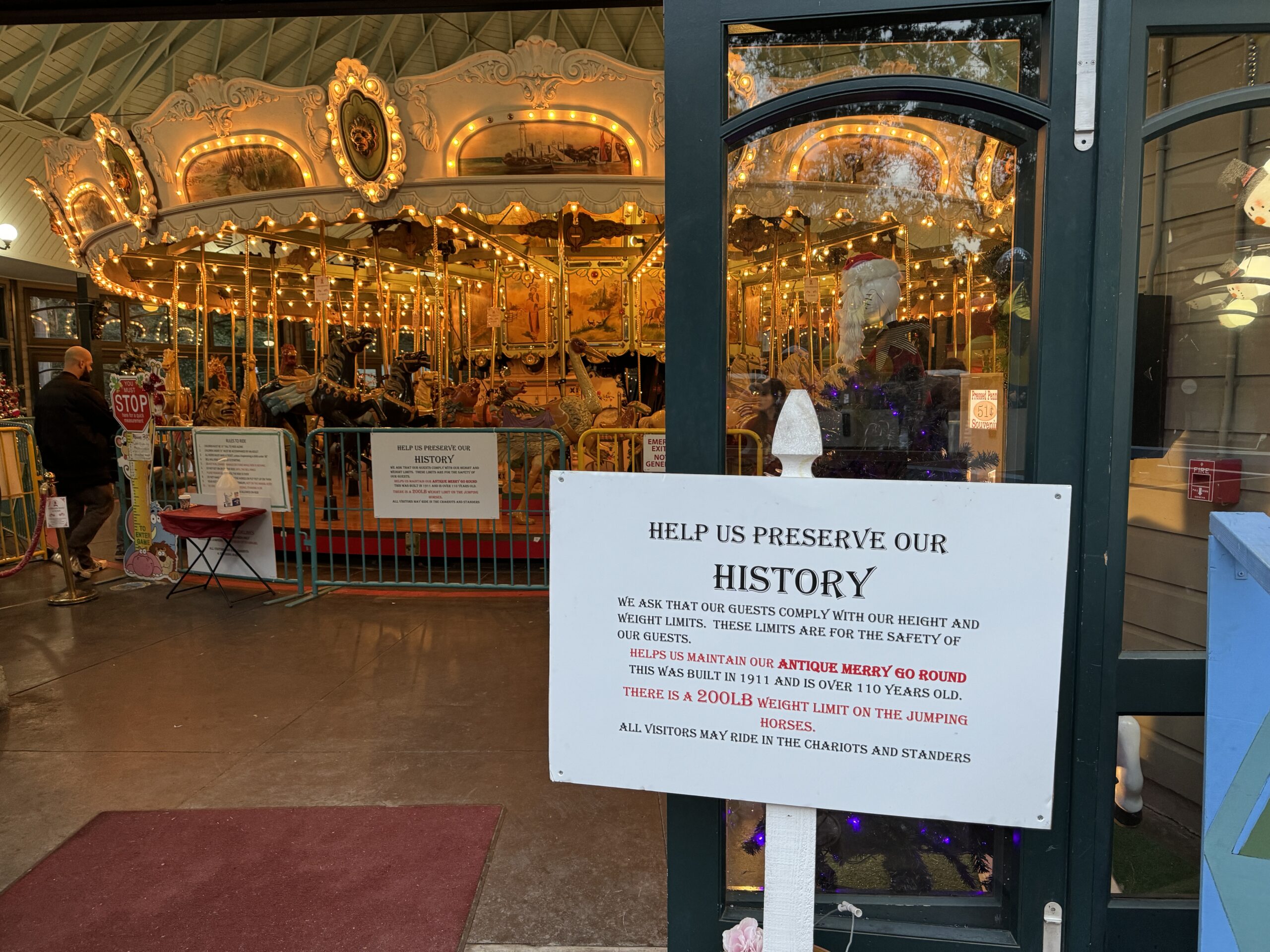
- Rode on the Tilden Park Merry Go Round (built in 1911)
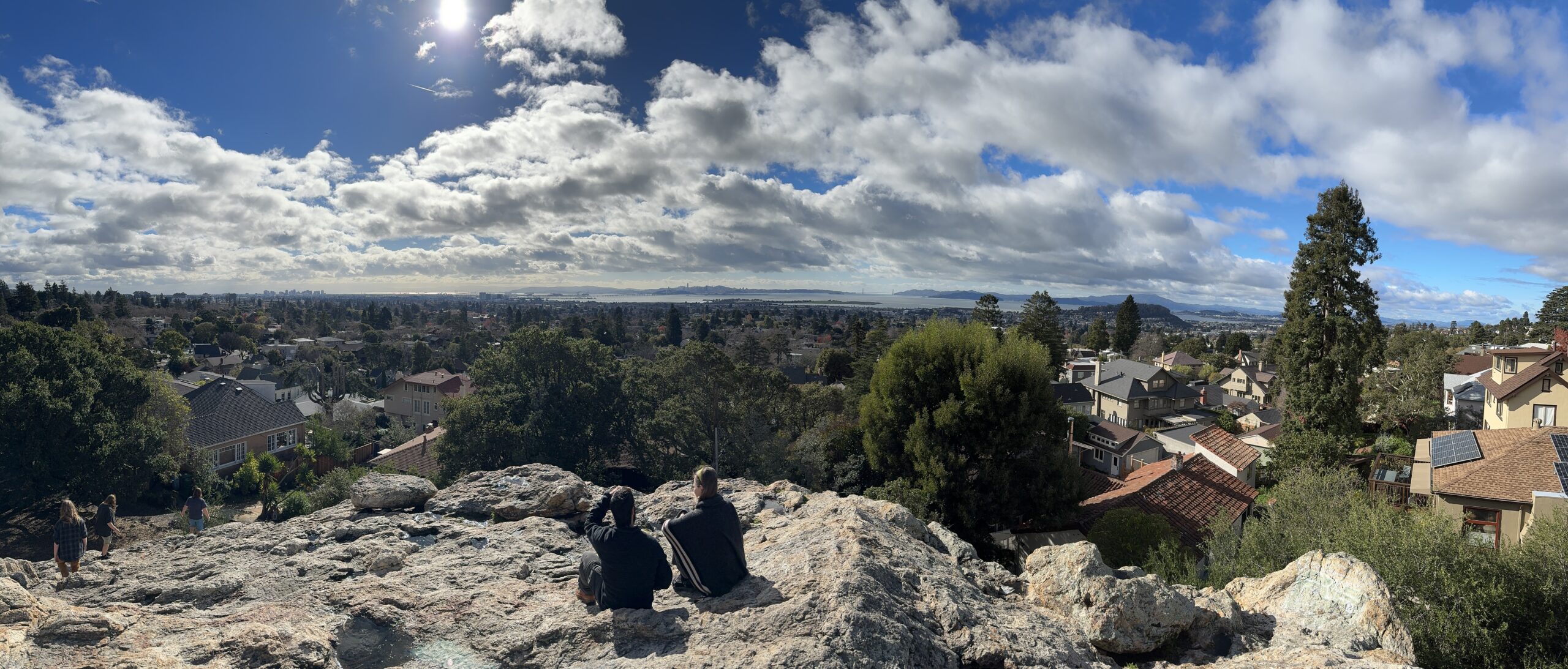
- Sat on top of Indian Rock
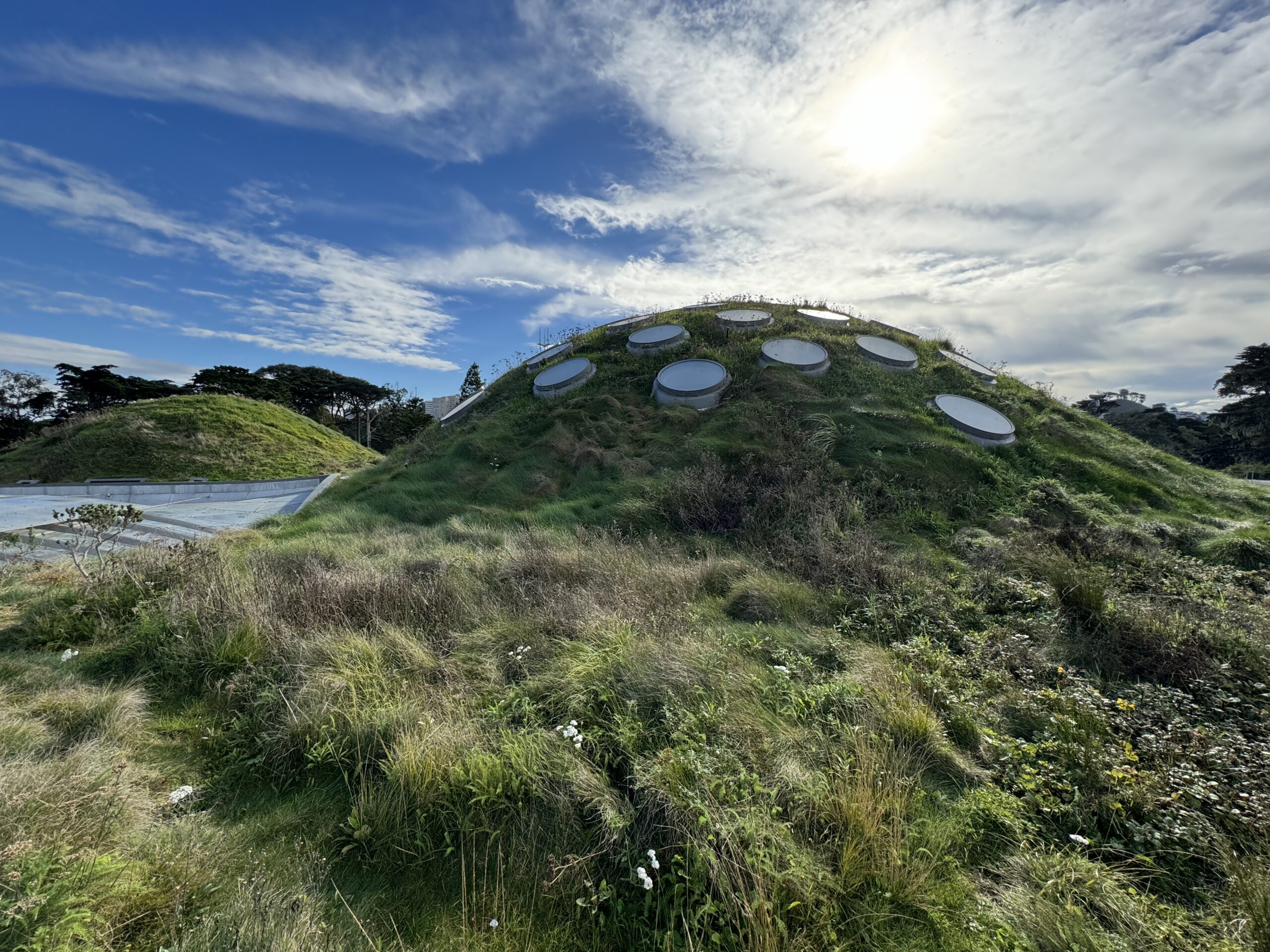
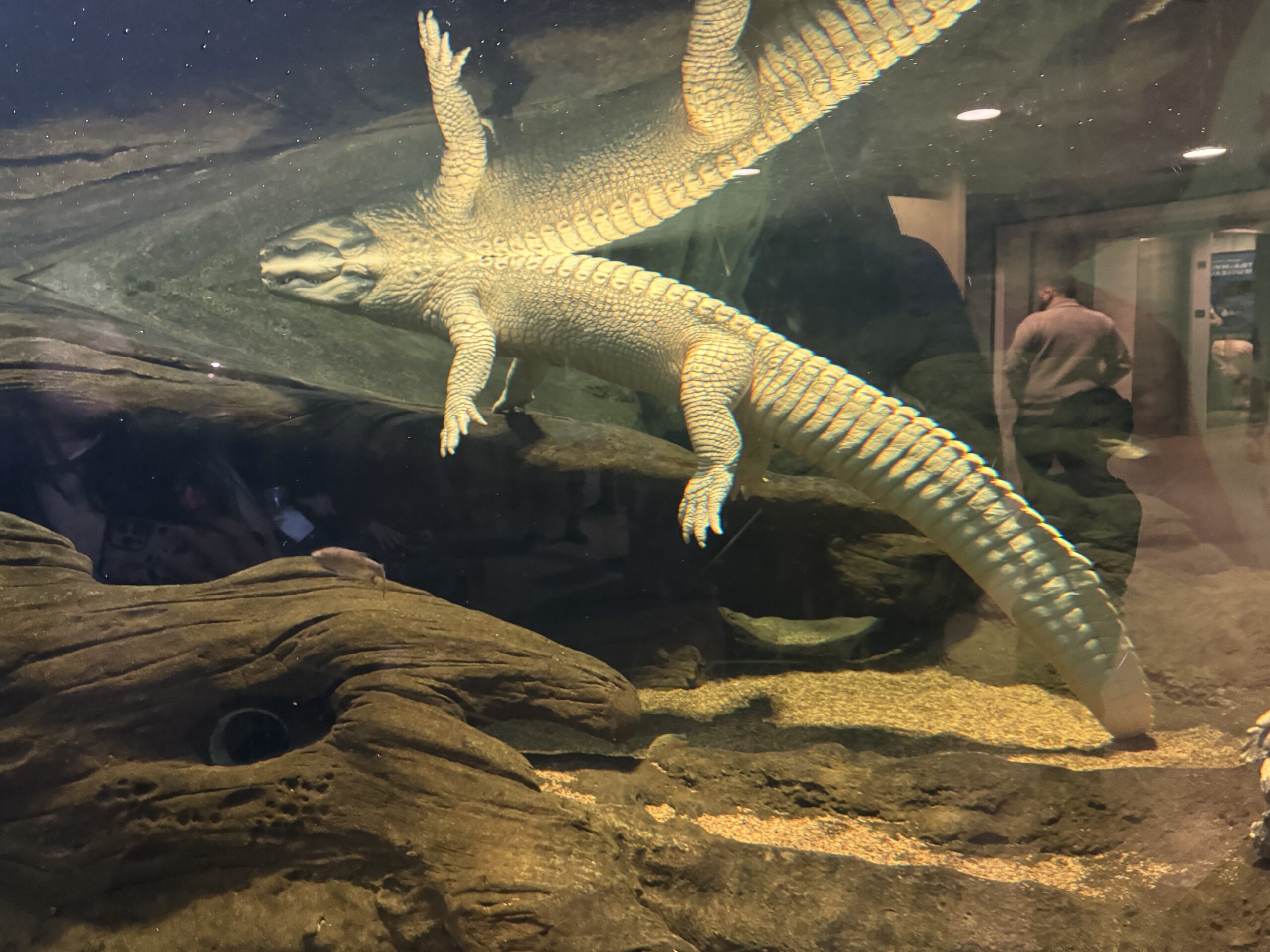
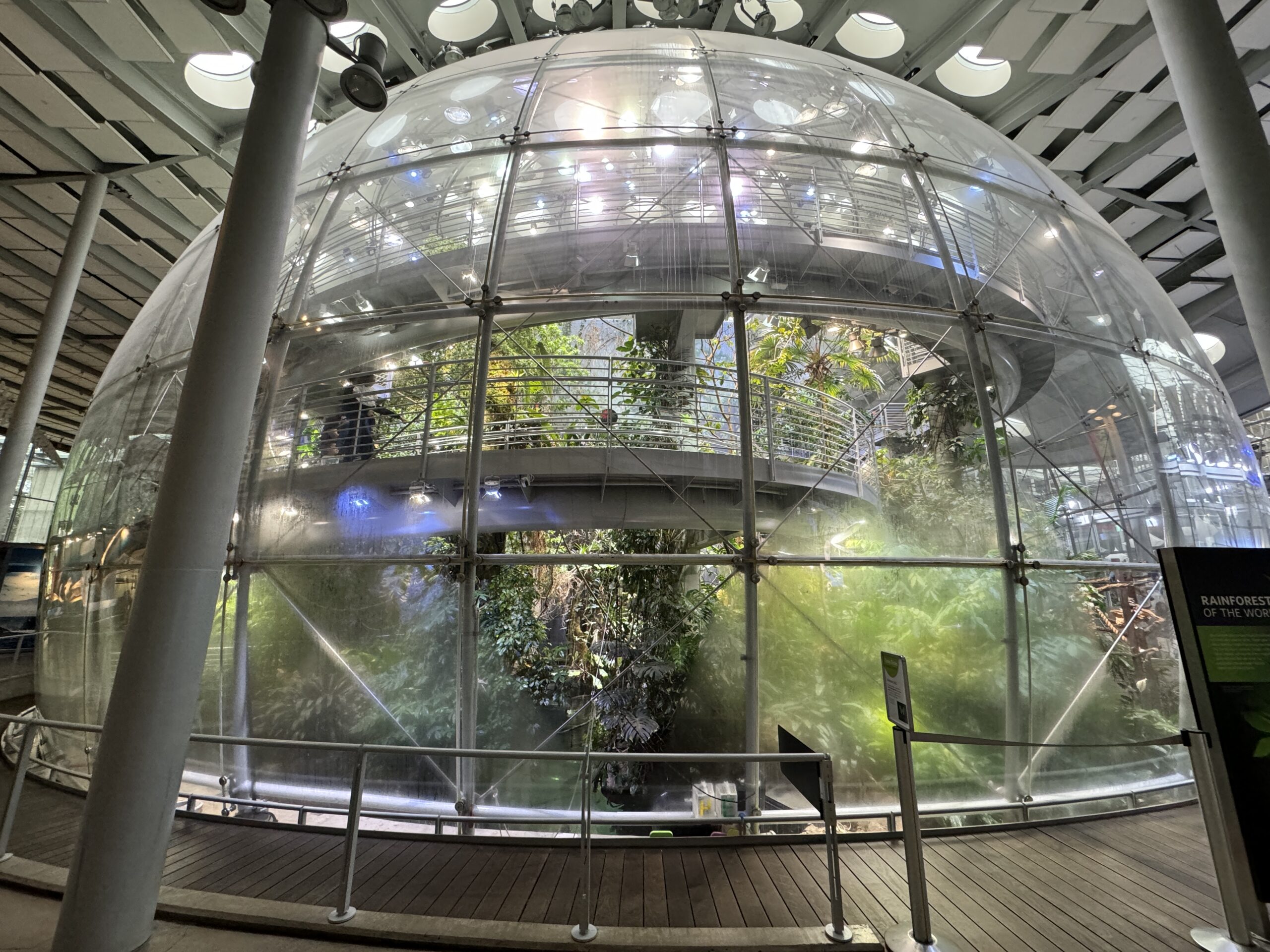
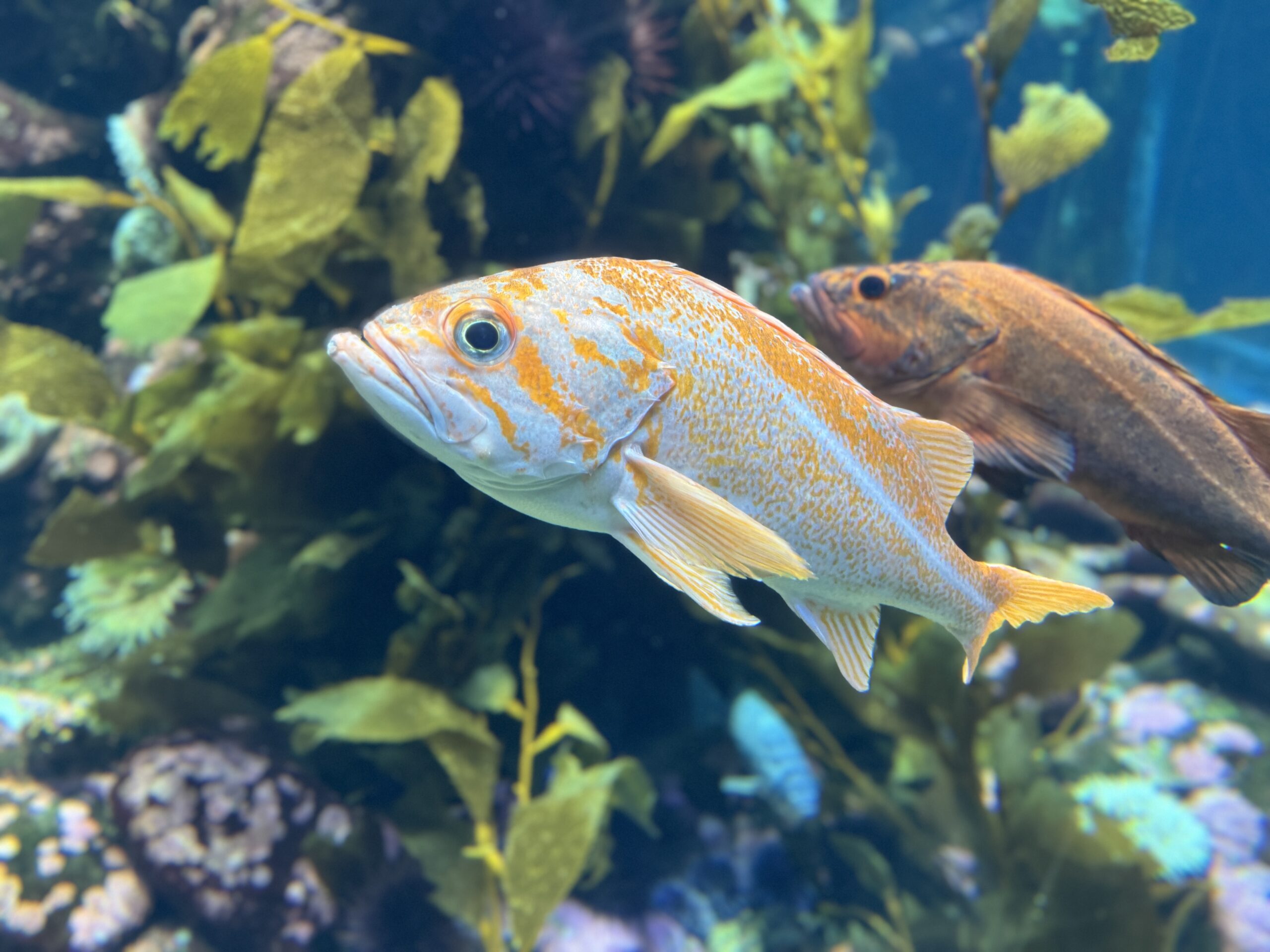
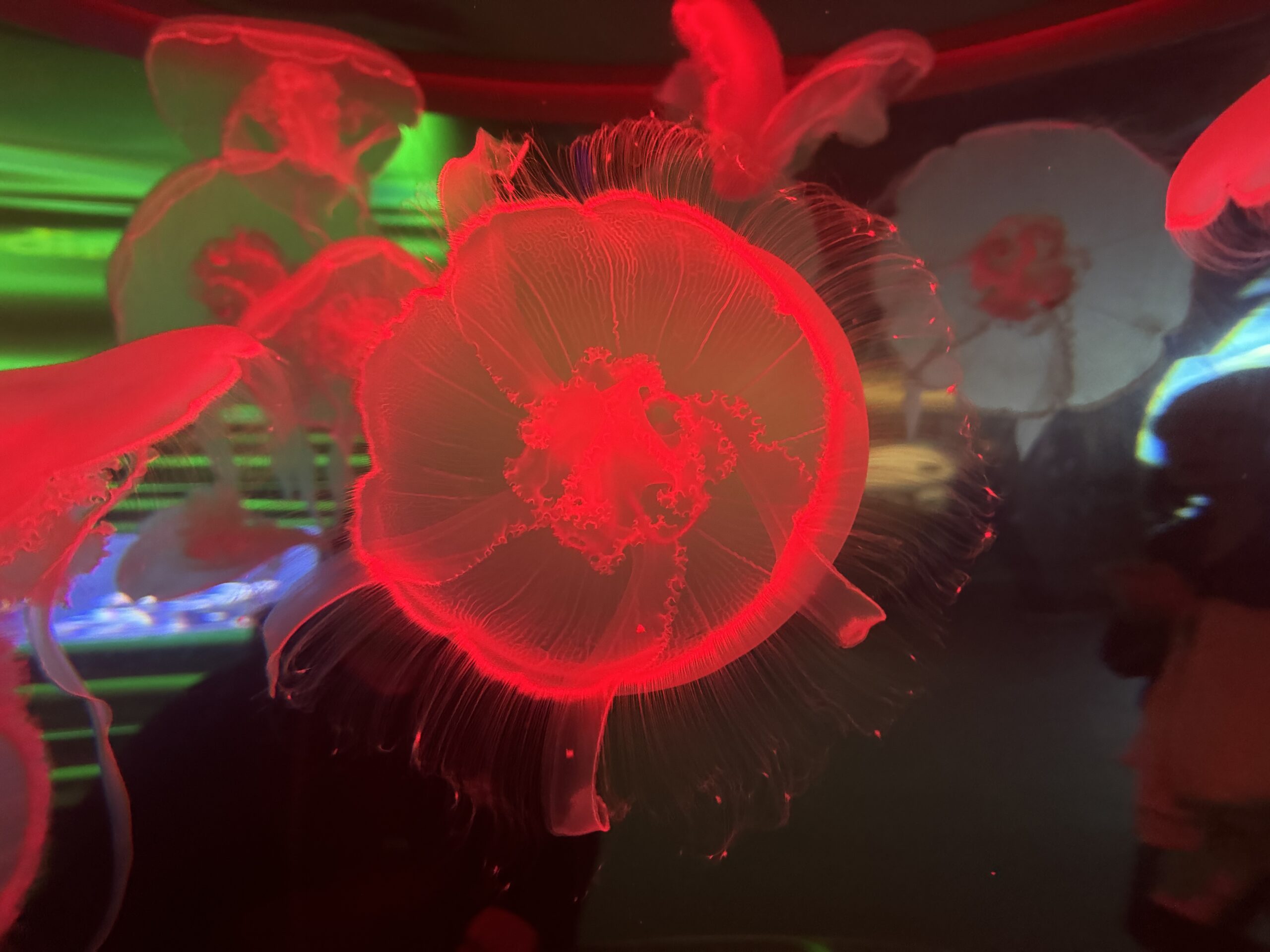
- Went to the California Academy of Sciences
- Went over the Golden Gate and Oakland Bay bridges
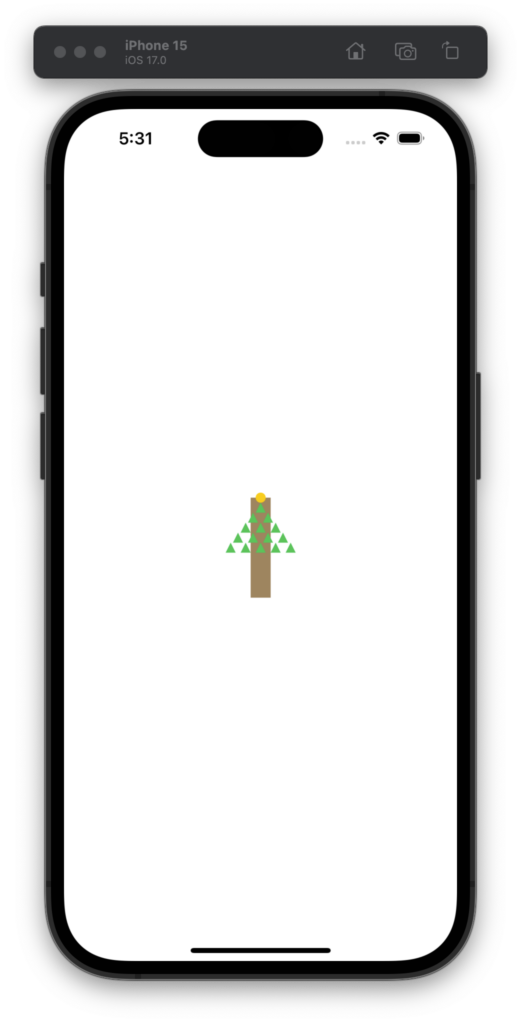
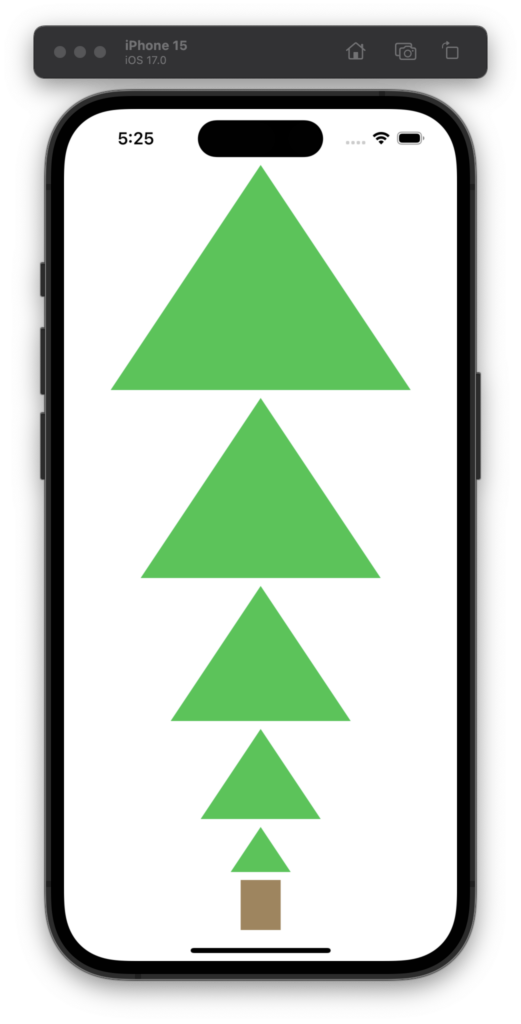
Revisiting last year’s challenge, let’s see how this year goes with GPT-4.
I used the same prompt from 2022:
Draw a Christmas tree using SwiftUI
Interestingly this time it included the Triangle type and it was almost line-for-line the exact one I substituted in last year.
import SwiftUI

struct ContentView: View {
    var body: some View {
        ZStack {
            // Background
            Color.white.edgesIgnoringSafeArea(.all)

            // Christmas Tree
            VStack {
                ForEach((1...5).reversed(), id: \.self) { i in
                    TreeLayer(width: CGFloat(i) * 60)
                }
                Rectangle()
                    .frame(width: 40, height: 50)
                    .foregroundColor(.brown)
            }
        }
    }
}

struct TreeLayer: View {
    var width: CGFloat

    var body: some View {
        ZStack {
            Triangle()
                .fill(Color.green)
                .frame(width: width, height: width * 0.75)
            // Add decorations here
        }
    }
}

struct Triangle: Shape {
    func path(in rect: CGRect) -> Path {
        var path = Path()
        path.move(to: CGPoint(x: rect.midX, y: rect.minY))
        path.addLine(to: CGPoint(x: rect.minX, y: rect.maxY))
        path.addLine(to: CGPoint(x: rect.maxX, y: rect.maxY))
        path.closeSubpath()
        return path
    }
}

struct ContentView_Previews: PreviewProvider {
    static var previews: some View {
        ContentView()
    }
}
And here’s the output for 2022 and 2023! 🎄😀
Categories
Munich 2023
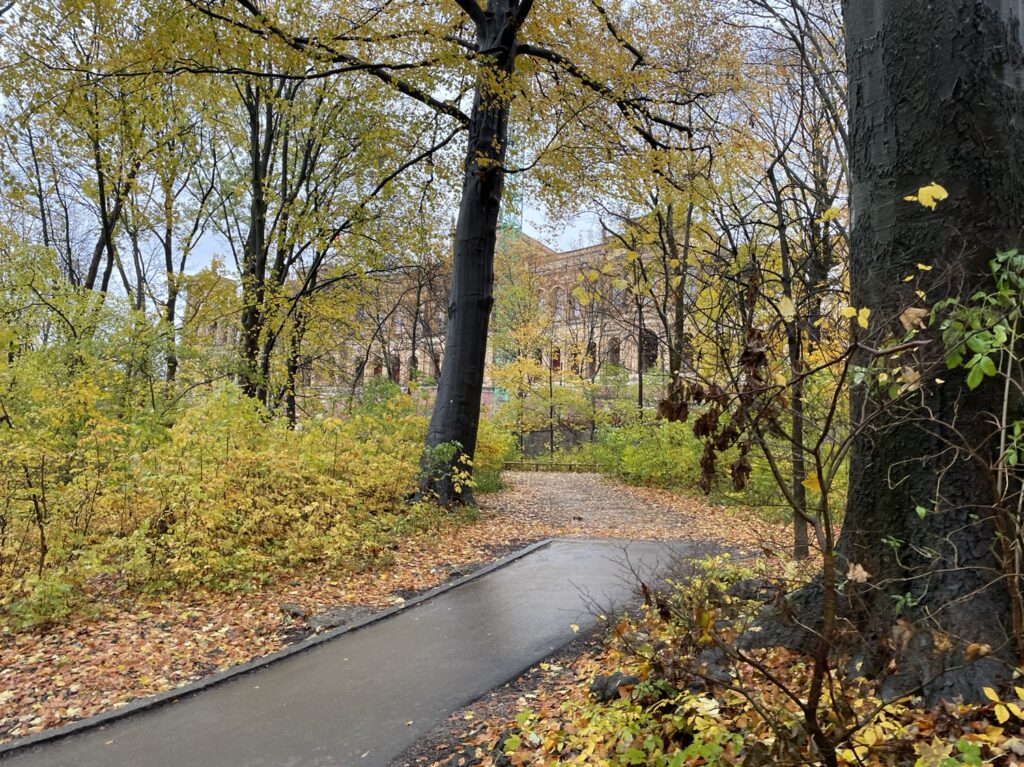
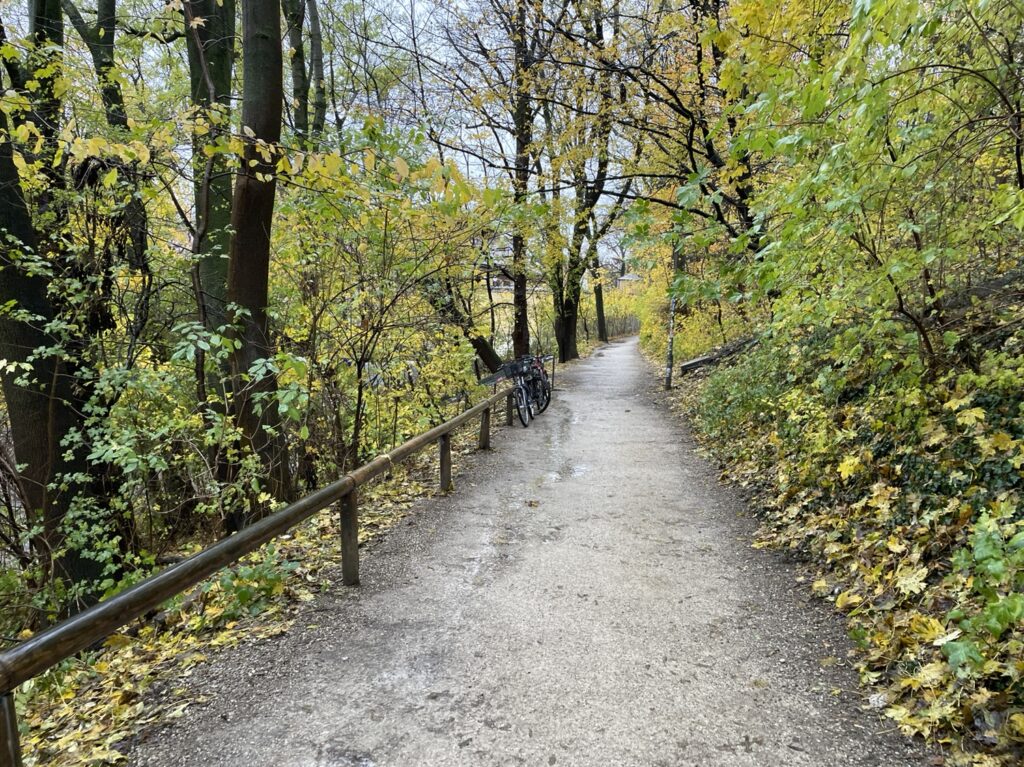
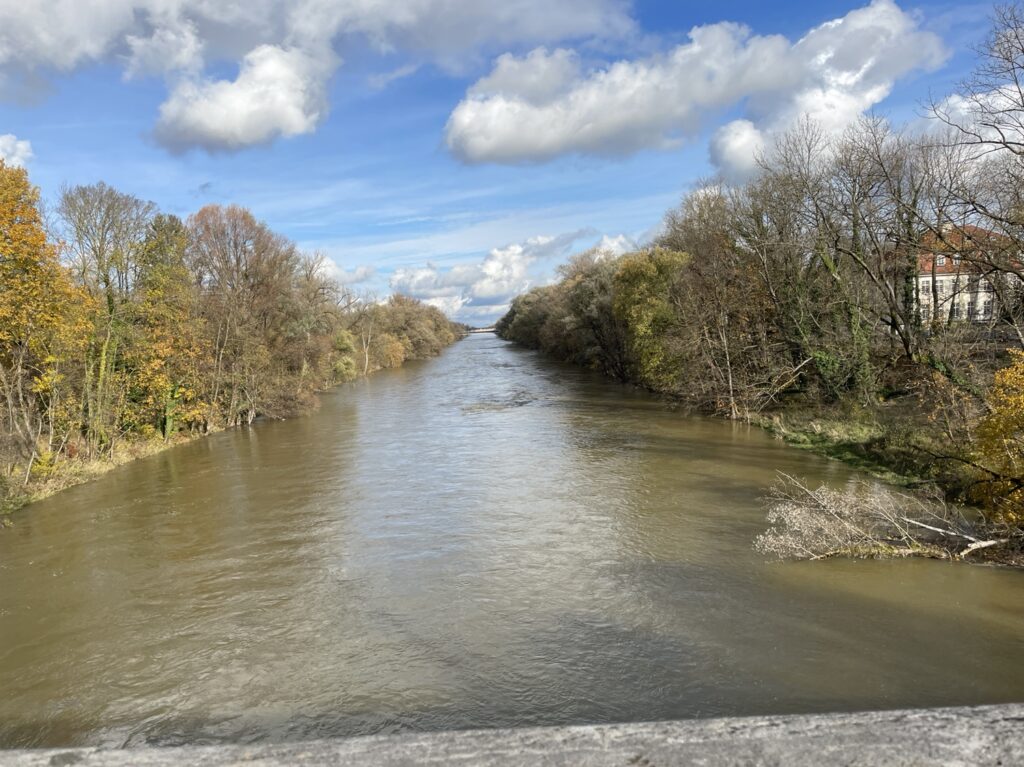
I didn’t get out much in Munich as it was an intense week of work, but one morning I did take a walk in the park that borders the Eisbach river. It was cold, rainy, and quite enjoyable.
I’m starting to dust off some seasonal projects and realized I hadn’t made this simple tool public which others may find handy. With projects like the NeoPixel Tree it can be much quicker to code visual sequences locally instead of waiting for new firmware to upload to the MCU every time you want to tweak something.
The tool just wraps around the Adafruit GFX Graphics Library and instead of outputting to physical pixels it runs through SDL2. It’s somewhat similar to what I did in swift-gfx-wrapper but keeps it all in C.
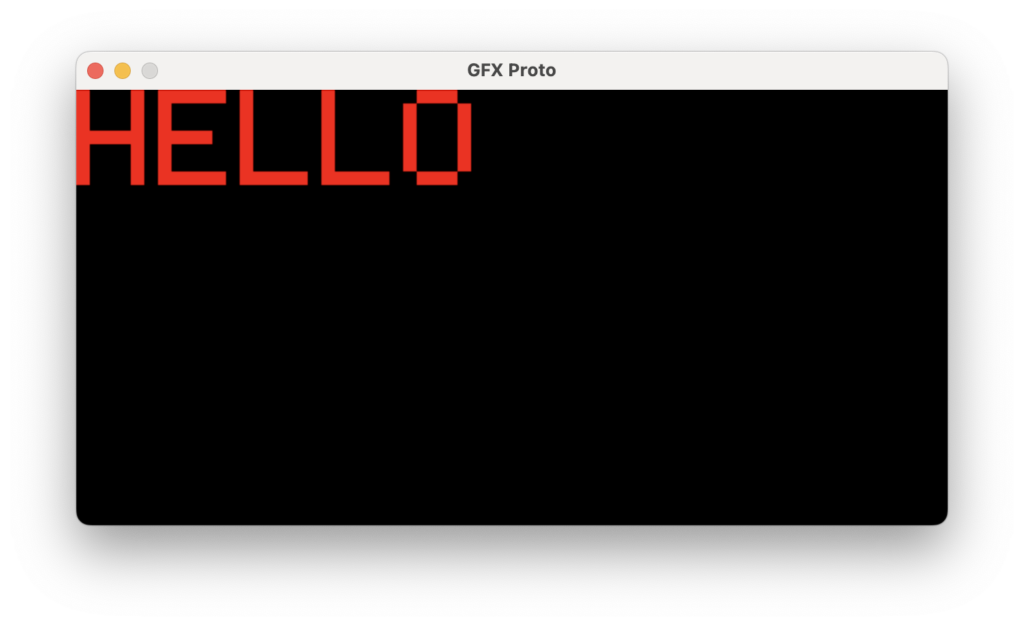
GitHub repo: https://github.com/twstokes/gfx-proto
Categories
Amsterdam 2023
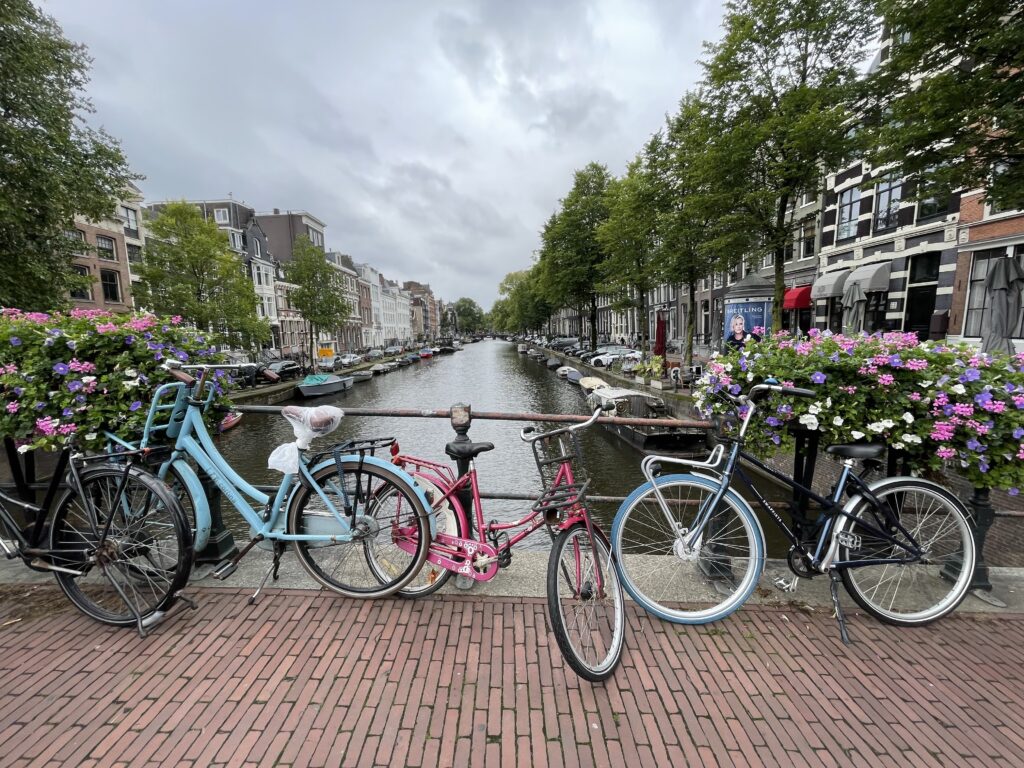
Amsterdam was so nice! Great food, going to Tony’s Chocolonely, meeting friendly cats, avoiding bicycles, a ride in the canal, and visiting the Anne Frank memorial just to name a few highlights.
Maybe if I share videos of half-finished projects it’ll motivate me to finish them!
Categories
64×64 LED Matrix + Doom
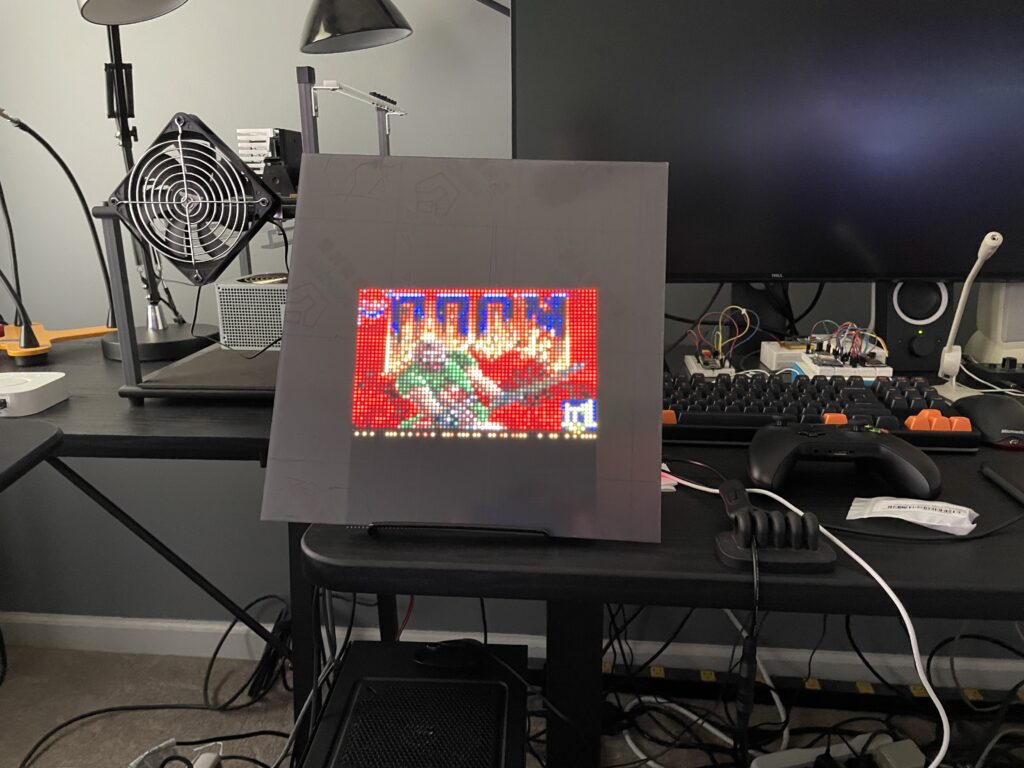
From the weekend hacks department: I now have DOOM running on my 64×64 matrix!
- A Raspberry Pi 2B drives the 64×64 3mm pitch LED matrix via the Matrix Bonnet.
- I’m using SDL2 to handle scaling the original resolution of 320×200 down to 64×40 as well as the game ticks, user input, and sound.
- It was mainly an exercise in Makefiles and linking C libraries – the hard parts were done in the libraries. 🙌 Generic Doom / Rpi RGB LED Matrix
- The matrix is covered with an acrylic panel that smooths out the LEDs and makes it pleasant to look at.
- The flickering effect isn’t seen in real life, it’s just how the camera captured it.
GitHub repo: https://github.com/twstokes/doom-matrix
Categories
OpenBSD + iMac G4
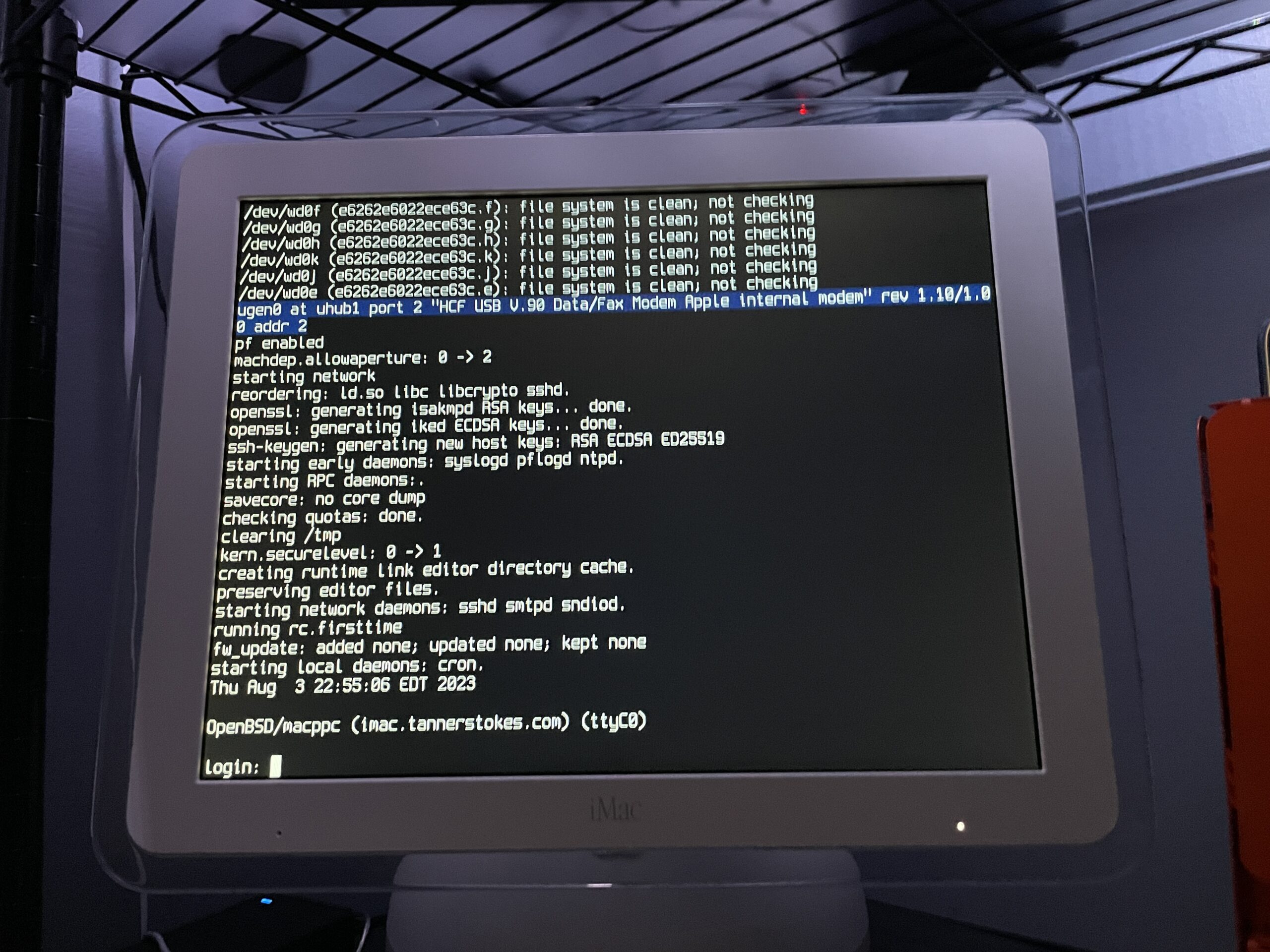
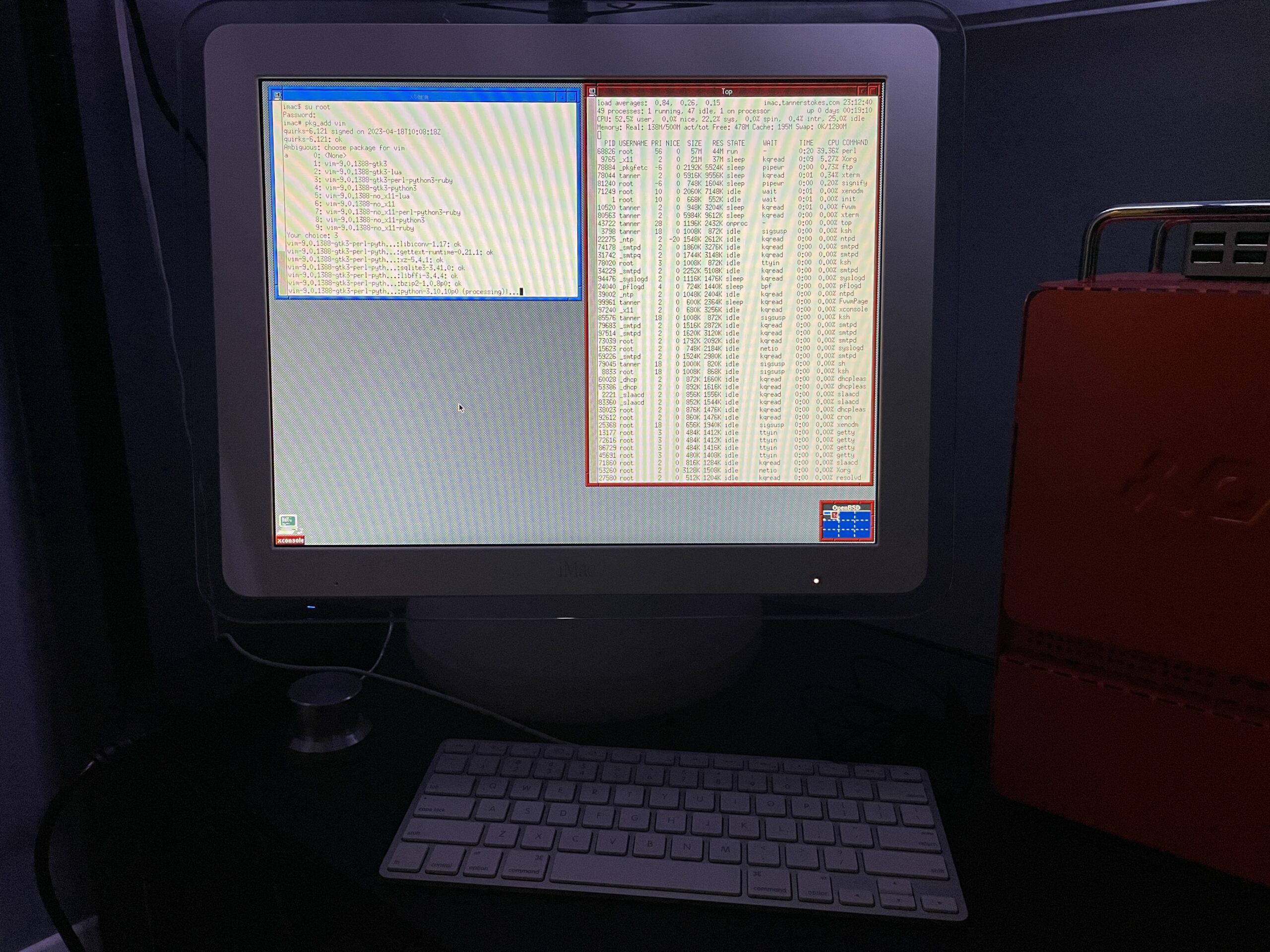
Fun fact: You can put the latest version of OpenBSD on a PPC 32-bit processor like the G4. Fun to dual boot with Mac OS 9 if you want a modern, secure computer!
Some notes
The OpenBSD docs are really good and thorough. Open Firmware needs some tweaking if you want to boot directly into OpenBSD, so this is what I did after booting into it with command+option+o+f:
setenv auto-boot? True
setenv boot-device hd:,ofwboot
reset-all
I failed to get a USB install working
Initially I didn’t want to mess with the internal drive of the iMac since I had both Mac OS 9 and Mac OS X installed, so I tried to install to a USB drive. Although the installation succeeded (albeit extremely slowly due to USB 1.1), the boot into the system failed due to the following error:
panic: rootfilesystem has size 0
Looking at the trace of the kernel boot process it was evident why: Even though we installed the OS to sd0 (the mounted USB device), the kernel kept trying to mount wd0 which is the internal IDE drive.
I tried what I knew:
- Tweaking the
boot-devicevariable in Open Firmware - Using a different USB slot
- Booting into the recovery kernel (
bsd.rd) and mounting the USB to see if I could tweakfstab
Supposedly if we get to the boot prompt we can pass a -a flag for the root device (docs), but I couldn’t figure out how to get there.
Ultimately I decided to install OpenBSD to the main internal drive for now. If I get a hankering for Mac OS 9 I still have the trusty Power Mac G4.
The best setup will eventually be a dual or triple-boot. Trying to make the super-slow USB drive work is probably a terrible idea unless we plan to run it in a ramdisk mode the entire time.
The graphics driver kinda works
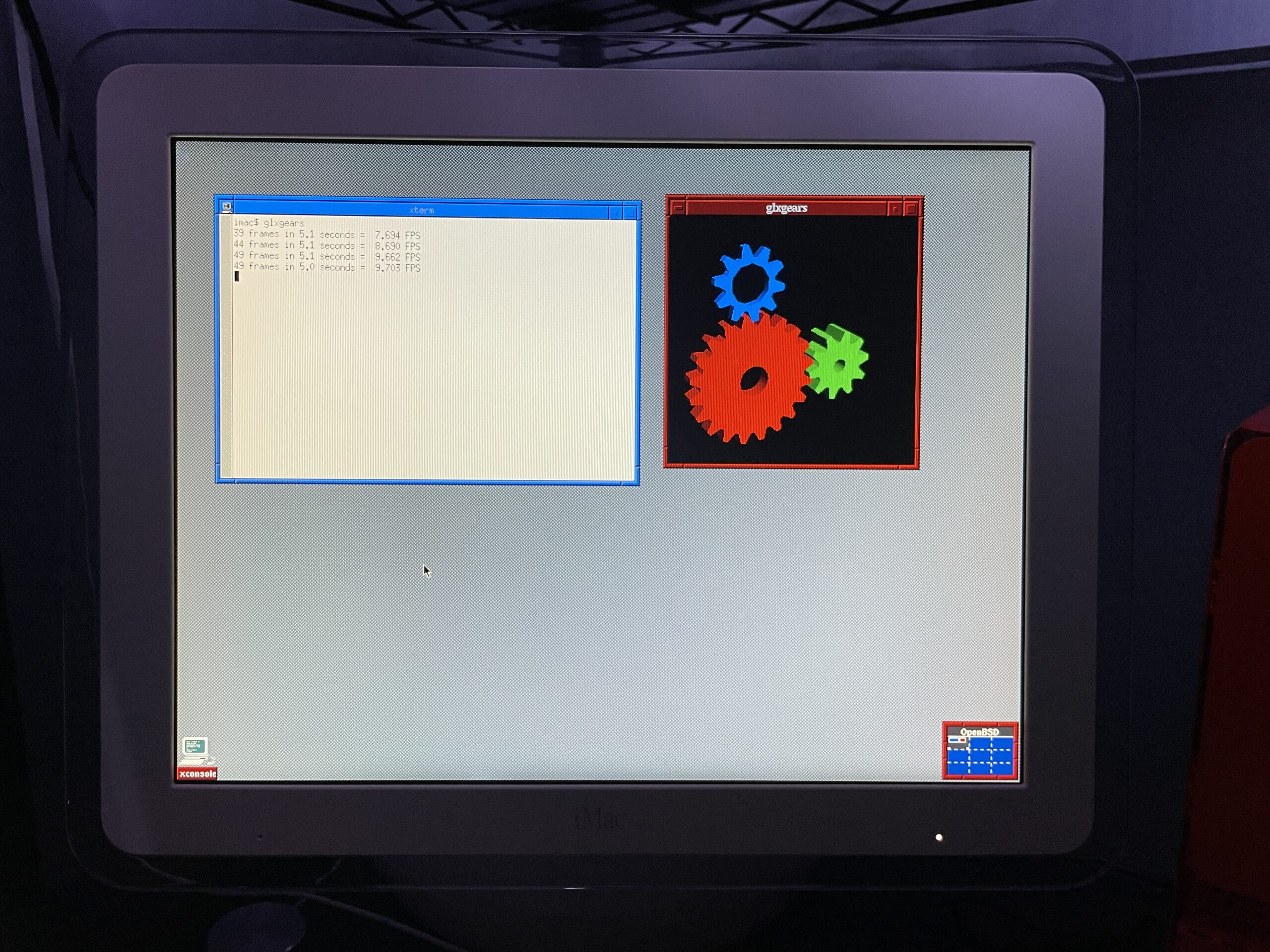
As you can see from the glxgears output above graphics are not accelerated. I’ve mostly played with the machine over SSH in a headless state so this hasn’t bothered me too much. I did glance at dmesg and saw that the expected driver, nv, was loaded and detected the card so I’m not totally sure what’s happening. I’m having flashbacks of when I used to spend hours tweaking xorg.conf and that may be on the horizon again.
If just running the console we still want the screen to sleep and I found I needed to make a couple tweaks for that to work.
First I needed to shut down X Windows:
rcctl stop xenodm
Then I needed to disable output activity from waking the screen:
display.outact=off
After that the screen would shut off after however many milliseconds were set for display.screen_off.
Copying over /etc/examples/wsconsctl.conf to /etc/ is a great starter config.
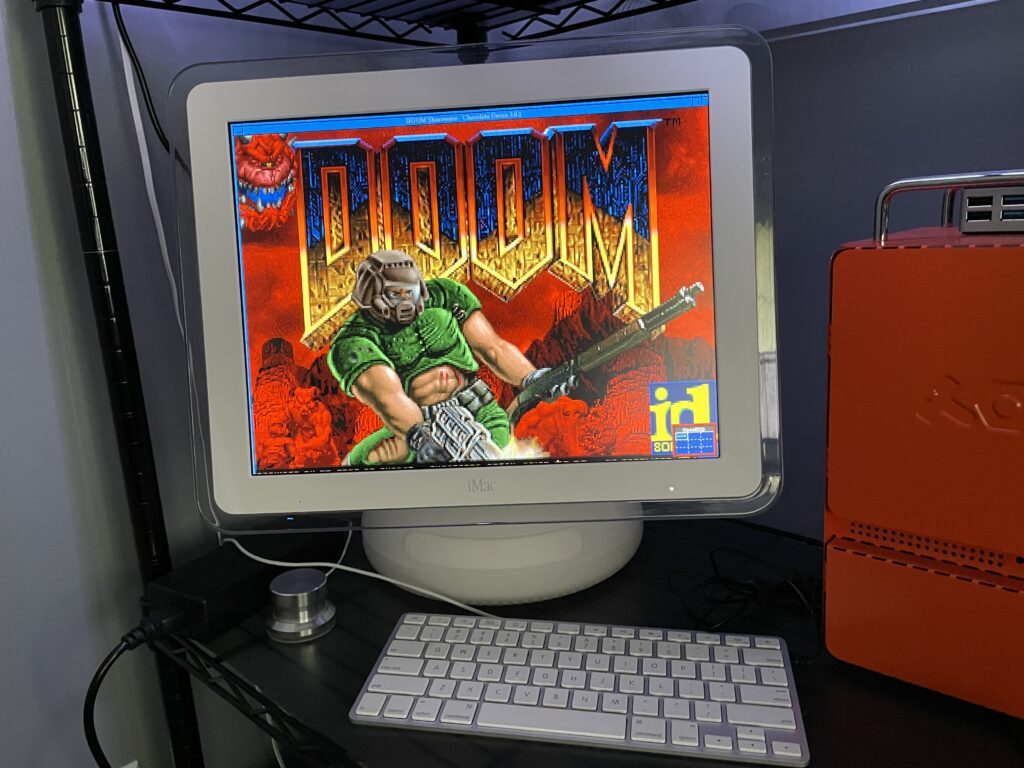
Oh yeah, it runs DOOM
(Very poorly, presumably until the graphics driver is tweaked)
Running Chocolate Doom was painful. Even the setup utility had a good second or so input lag!